Product · ERP system

Gideon Secure ERP

One system for your entire business - from warehouse and procurement to finance, production and human resources. All operations in one place, with security built into every layer: role based access control, a record of every change, and automatic backups.

Web and mobile Role based access Audit log AI automation Automatic backups
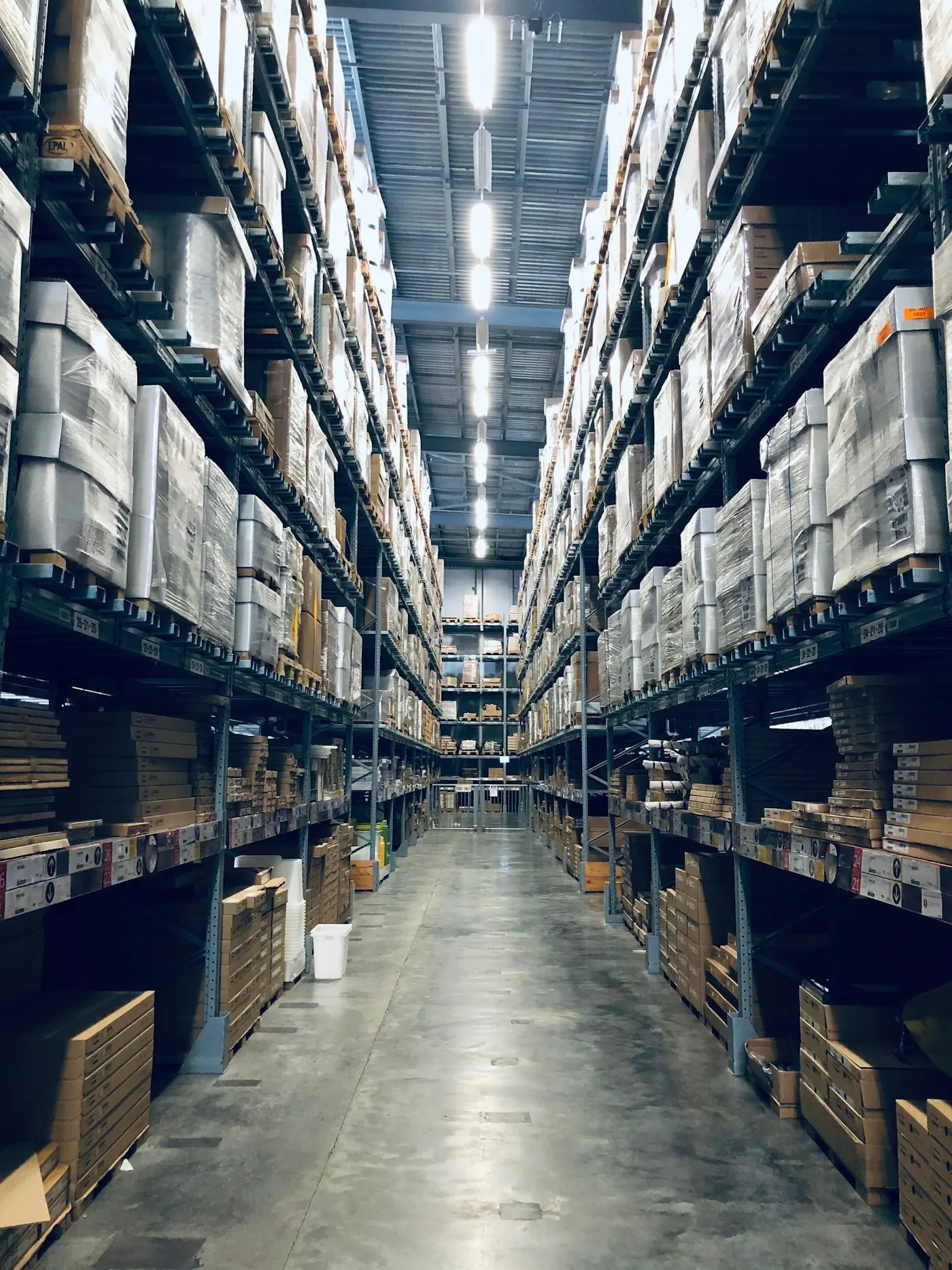
Warehouse and logistics - Gideon Secure ERP Warehouse · real time stock levels
1 system
All operations in one place
12+
Integrated modules
100%
Your data stays yours
24/7
Availability and support
Modules

Covers your entire business

From the first inquiry to delivery, payroll and the balance sheet - all processes connected and synchronized in real time.

Artificial intelligence

An ERP that works for you

Built in artificial intelligence takes over repetitive tasks and automates processes - so your team works on what matters, and you grow without additional hiring. AI is today a weak point for most companies; in Gideon Secure ERP it is your advantage.

Automatic posting

AI reads invoices and bank statements and posts them on its own - no manual re entry and no errors.

Stock forecasting

AI predicts demand and suggests what to order and when - less downtime, less tied up capital.

Smart procurement

Recommendations for optimal quantities and suppliers based on your data.

Anomaly detection

AI spots unusual transactions, errors and fraud attempts before they become a problem.

AI assistant over your data

Ask your business questions in plain language and get an answer and a report in a second.

Automatic reports

AI summarizes results, uncovers trends and suggests the next step - they generate themselves.

Warehouse and inventory

Full control over stock

Know at any moment what you have, where it is and how much it is worth - without manual spreadsheets and mistakes.

  • Real time stockWarehouse levels update with every sale and goods receipt.
  • Barcodes and batchesFast scanning, batch tracking and expiry dates.
  • Calculations and price adjustmentsAutomatic calculation of purchase price and price changes.
  • StocktakingSimple stocktaking with reconciliation of actual and book levels.
Finance and reporting

Decisions grounded in data

Your entire business translated into clear figures - in real time, available from any device.

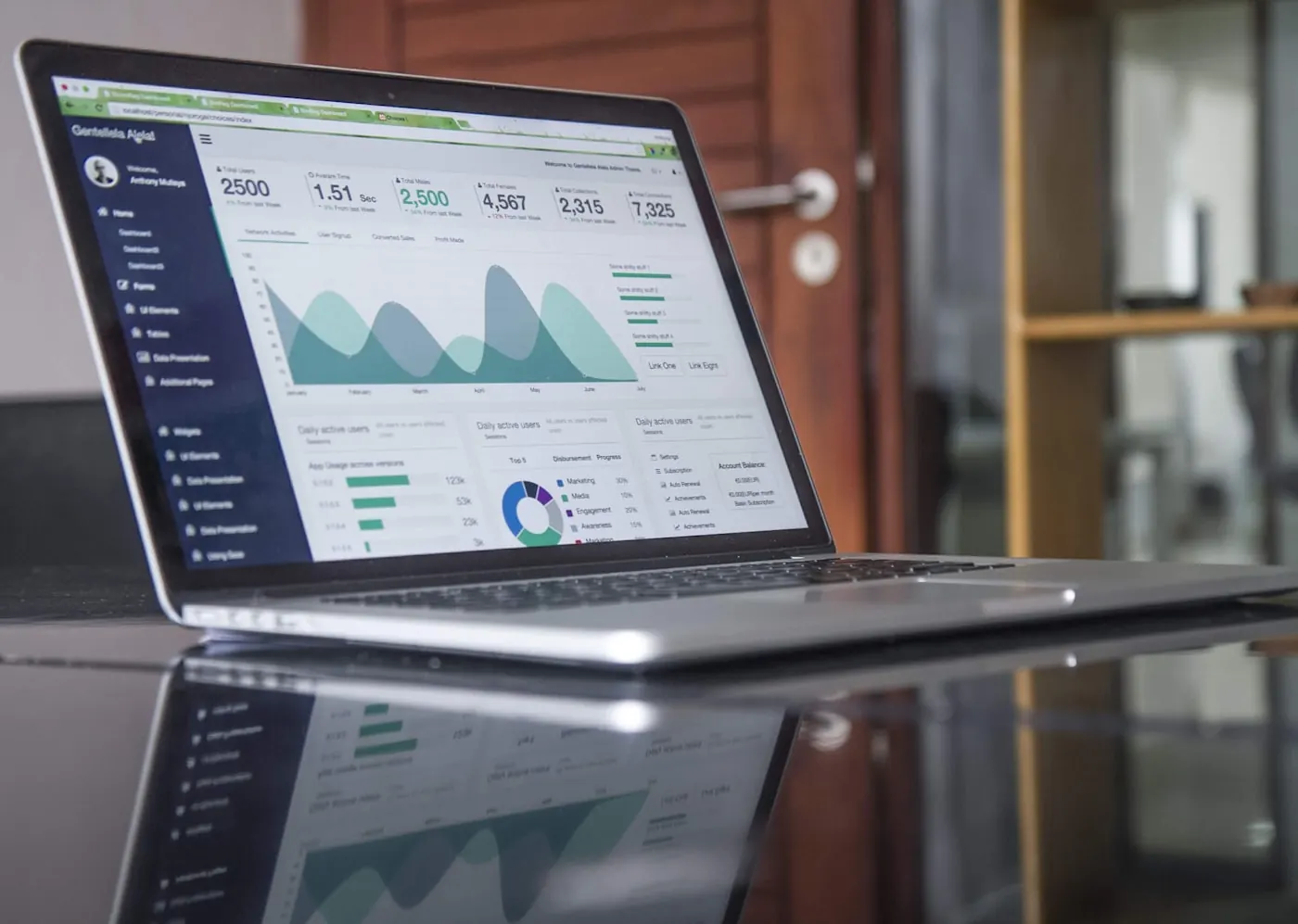
  • Dashboard and KPIsKey business indicators on one screen.
  • VAT and statutory reportsAutomatic returns aligned with regulations.
  • Costs by projectTrack profitability by client, project and department.
  • Export and integrationsConnect with banks, e invoices and other systems.
Finance and analytics - dashboard

Security built into every layer

Role based access

Every user sees only what they are permitted to - granular control of permissions.

Audit log

A record of every change: who changed what, and when.

Data encryption

Data protected in transit and at rest.

Automatic backups

Regular backups and fast data recovery.

Ready for a secure, connected ERP?

Request a free demonstration of Gideon Secure ERP. We will show you what your business looks like in one place - secure and paperless.

Modules

More detail by module

Implementation

What ERP implementation looks like

Implementing an ERP is not about installing software, it is about organizing the way your company works. That is why we run the process step by step, with a clear outcome at every phase.

1. Business process analysis

Before any configuration begins, we sit down with your people and map how the company actually works: how an order is created, who approves purchasing, how documents are posted, where things get stuck. The result is a documented implementation plan with a list of modules, users and customizations. This phase also uncovers most of the hidden problems, such as duplicate master data or processes that exist only in one person's head.

2. Data preparation and migration

We take over item master data, partners, price lists, open items and opening balances from your old software, Excel files or paper records. The data is cleaned first: we remove duplicates, standardize names and units of measure, and verify balances. Migration is always performed on a test environment first, and the results are compared against the old records before anything enters production.

3. Configuration and testing

We set up the system according to the plan from the analysis: chart of accounts, document types, warehouses, roles and access rights for every user. Key users then walk through real scenarios on their own data, from an incoming invoice to the reports. Anything that does not match the actual process gets corrected now, while it is cheap to fix, not after the switchover.

4. User training

Training is organized by role: warehouse staff learn what warehouse staff do, accountants learn their modules, management learns the reports and control dashboards. It is done on your data, not on demo examples, so users start their first working day in the new system with screens they already know. Written instructions for every process remain with you after the training.

5. Go live and support

We plan the switchover for the start of an accounting period, with agreed checkpoints: the first issued invoice, the first goods receipt, the first VAT calculation, the first payroll run. During the first weeks our team is available at an increased level and monitors operations daily, and once everything stabilizes we move to regular support and an upgrade plan.

Timeframe

How long ERP implementation takes

The duration depends on the number of modules, the volume and quality of your existing data, and the availability of your key people during the project. Based on our experience, the typical ranges look like this:

Company sizeNumber of usersTypical scopeApproximate duration
Micro business (up to 10 employees)1 to 5Invoicing, accounting, inventory2 to 4 weeks
Small business (10 to 30 employees)5 to 20The basics plus purchasing, POS, payroll4 to 8 weeks
Midsize company (30 to 100 employees)20 to 60All of the above plus manufacturing, projects, multiple locations2 to 4 months
Larger company or group60+All modules, integrations, multiple legal entities4 to 6 months

The biggest impact on the timeline comes not from technical tasks but from the state of your data and the speed of decision making. If the master data is tidy and a person who knows the processes takes part in the project, the timelines in the table are realistic. If the data first has to be reconstructed from multiple sources, plan for a buffer. That is why the analysis always starts with an assessment of data quality, which we build into the plan, so the deadline we agree on is a deadline that holds.

Security

Why an ERP from a cyber security company

An ERP system holds the most valuable assets a company has: finances, payroll, price lists, customer and supplier data. That is exactly why ERP is the prime target of ransomware attacks and fake invoice fraud. Most business software vendors add security as an afterthought; NeoBit is first and foremost a cyber security company, so Gideon Secure ERP was built in the opposite order: security foundations first, functionality second.

Here is what that means in practice:

  • Encryption without exception: data is encrypted both in transit and at rest, including backups. Neither a lost disk nor intercepted traffic will reveal the contents of your books.
  • Least privilege access control: every user gets exactly the rights they need for their job, nothing more. When an employee leaves, their account is deactivated with a single click, with no forgotten access left behind.
  • Backups that are tested, not just made: backups run automatically following the 3-2-1 rule, and recovery is verified regularly. A copy that has never been restored is not a backup, it is a hope.
  • Tested with our own penetration tests: the same team that performs penetration testing for clients regularly attacks our own ERP as well. We hunt for vulnerabilities ourselves, before anyone else finds them.
  • Optional 24/7 monitoring: the ERP can be included in SOC monitoring, so suspicious logins, unusual data exports or attempts to bypass permissions are spotted the moment they happen.

For you, the math is simple: instead of buying an ERP from one vendor and then patching security together with another, you get a system where business operations and data protection are one product, with one address responsible for both.

FAQ

Frequently asked questions

How do I choose an ERP system for my company?

Start from your processes, not from price lists. Write down what costs you the most time today (duplicate data entry, reconciling spreadsheets, waiting for reports) and look for a system that solves exactly that. Check three things: whether the solution complies with local regulations, what support you get after implementation, and how your data is protected. Before deciding, request a demo based on examples from your own line of business, not a generic presentation.

Can we transfer data from our old software or Excel?

Yes, data migration is a standard part of implementation. We take over item master data, partners, price lists, open items and opening balances from your old software, Excel spreadsheets or a combination of sources. The data is cleaned first and migrated to a test environment, and the result is compared against the old records before moving to production. Your business history does not stay locked inside the old software.

Does the ERP run in the cloud or on our server?

Both models are supported. Running in the cloud means access from any location with no infrastructure of your own to worry about, while installation on your server gives you full control over the environment. The same security measures apply in both cases: data encryption, access control by role and automatic backups. During the analysis we recommend the model that fits your infrastructure and the regulations that apply to you.

Will the ERP work with our external accounting firm?

It will. Your external accountant gets their own user account with rights limited to the accounting modules, so they work directly in the system instead of you sending them folders and spreadsheets every month. All reports, VAT documentation and exports are available to them in real time, and the audit log records every change. If you later take accounting in house, the data and processes stay the same.

How much does an ERP system cost?

The price depends on the number of users, the modules you choose and the scope of data migration, so it is set through a quote after a short analysis. You pay only for the modules you actually use, and the system grows as your business does. The fastest way to a concrete figure is to request a demo through the form on this page or write to us by email; after the conversation you receive a quote with no obligation.

Under attack? WhatsApp