The 3-2-1 Backup Strategy: How Not to Lose Your Data
The 3-2-1 backup strategy: three copies, two media, one offsite. Learn how to protect data from failure, human error and ransomware.
Read
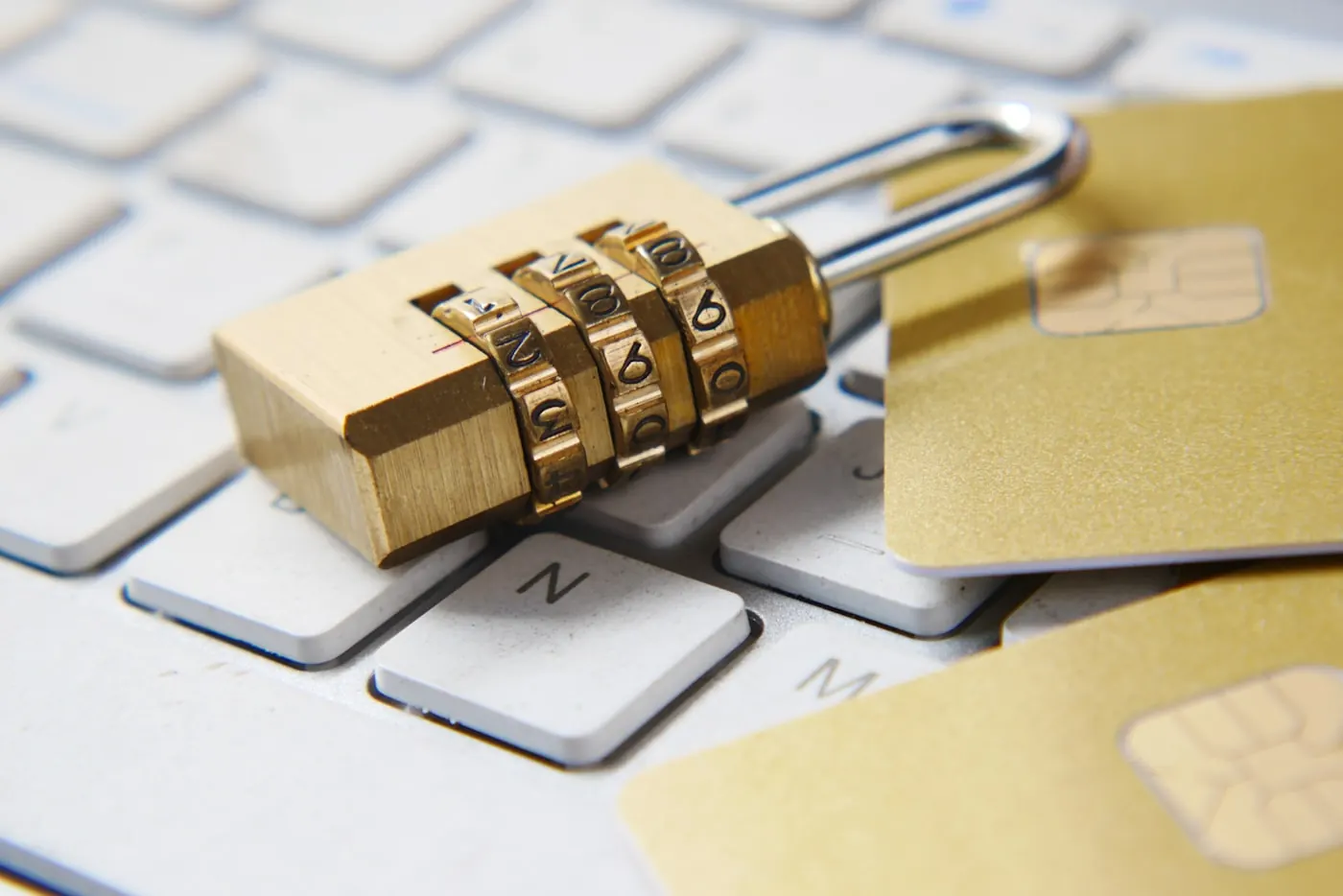
Two-factor authentication (2FA) is a security mechanism that, in addition to a password, requires a second, independent proof of identity: most often a one-time code, a physical key or a confirmation on a mobile phone. For businesses, it is one of the measures with the best cost-to-impact ratio. Even when an attacker obtains the password (through phishing, a database leak or password reuse), they cannot access the account without the second factor. The recommendation is to roll out 2FA first on email, administrator and VPN/remote access, and then on all business applications.
Cyber protection for businesses - complete protection of people, data and systems. You do not have to do it alone; we handle it for your company. Request a free assessment.
Authentication is traditionally divided into three categories of factors: something you know (password, PIN), something you have (phone, hardware key, smart card) and something you are (fingerprint, face). Two-factor authentication means that a user must prove their identity using two factors from different categories. A combination of a password and a security question is not true 2FA, because both are „something you know“ and both can be uncovered by the same attack.
Passwords are a weak point in themselves. Users reuse them across multiple services, choose predictable sequences and fall for phishing. When a password leaks, whether through a breached database of some other service or through a fake login page, the attacker tries to use it on business systems. Two-factor authentication breaks that chain: a stolen password without the second factor becomes almost worthless. For companies in Bosnia and Herzegovina and the wider region, where small and medium-sized businesses are increasingly the targets, this is the difference between an unpleasant incident and a complete loss of control over email and business data.
The terms are often confused. MFA (multi-factor authentication) is the broader term, meaning „two or more factors“. 2FA is a special case of MFA with exactly two factors. In practice, most companies use exactly two factors, so the expressions are used almost as synonyms. More important than the name is that the second factor is genuinely independent of the password and as resistant to phishing as is feasible.
Not all methods are equally strong. The following table provides a realistic overview for a business environment:
| Method | Security level | Main risk | Suitable for |
|---|---|---|---|
| SMS code | Low to medium | SIM swap, interception, code phishing | Last-resort fallback when nothing better is available |
| Email code | Low | If the email is compromised, the factor falls along with it | Less sensitive services |
| App with TOTP code (e.g. an authenticator) | Medium to high | Real-time code phishing, theft of an unprotected device | Most business applications |
| Push notification with confirmation | Medium to high | „MFA fatigue“: the user approves a fraudulent request out of habit | Companies with managed identity (e.g. SSO) |
| Hardware key (FIDO2 / WebAuthn) | Highest | Loss of the key (mitigated with a backup key) | Administrators, critical access |
SMS codes are popular because they do not require an additional app, but they are the most vulnerable. An attack known as a SIM swap allows a phone number to be redirected to the attacker's SIM card, after which the codes arrive to them. In addition, an SMS code can be „phished“ through a fake page in real time. SMS is better than nothing, but it should not be used as the primary factor for administrators, finance or email access.
Apps that generate a time-limited one-time code (TOTP) do not depend on the mobile network and work offline. The code changes roughly every thirty seconds and is valid only briefly. For most business scenarios this is a sensible, inexpensive and robust choice. The weak point remains phishing: if a user enters the code on a fake page quickly enough, the attacker can forward it on.
FIDO2 keys use public-key cryptography and are tied to the service domain. This means the key simply will not work on a fake domain, which practically eliminates phishing of the second factor. For the most sensitive access, such as administrator accounts, domain management and financial systems, a hardware key is the best choice. The recommendation is to always have a backup key as well, so that losing one does not lock the user out.
Implementation is not all-or-nothing. Roll it out according to risk priority:
For companies without their own IT team, this process is a good opportunity to also carry out a broader security assessment. Reviewing the identity configuration, password policies and exposed services is part of every serious security review that NeoBit offers.
Rolling out 2FA in a company of 10 to 50 employees does not have to take months. With a clear plan, the bulk of the work is done across a few clearly separated phases:
The greatest resistance usually does not come from the technology but from users who perceive 2FA as a nuisance. That is why short, concrete training is just as important as the technical setup itself: why it is being introduced, how to recognize a fraudulent request and what to do if a device is lost.
The mere presence of 2FA does not mean it is well configured. In practice, these mistakes recur:
These gaps are most easily uncovered through controlled testing. Simulated phishing and testing the resilience of logins are part of penetration testing. If you want to see how resilient your setup really is, start with a short questionnaire for a penetration test.
Two-factor authentication solves one very important problem: the theft and misuse of credentials. But it is not a standalone defense. It is effective only as part of a whole that includes managing access rights on the principle of least privilege, regular system updates, security monitoring (SOC/MDR) and an incident response plan. For companies moving toward ISO 27001, strong authentication is one of the expected controls, but an auditor will also look at how it is managed, how it is monitored and how things are handled when something goes wrong.
It is useful to distinguish what 2FA covers and what it does not. It protects well against credential attacks: the reuse of leaked passwords, weak passwords and classic phishing. On the other hand, it does not protect against malware that hijacks an already-authenticated session, against flaws in the application itself, nor against attacks that steal both the password and the code in real time (so-called proxy phishing). This is precisely why, for the most sensitive access, phishing-resistant methods such as FIDO2 keys are recommended, along with an additional layer of monitoring that recognizes suspicious logins, for example a login from an unusual location or at an unusual time.
For organizations in Mostar, Herzegovina and the wider region that want the full picture, from authentication to monitoring and threat response, a good first step is a conversation with a team that does this every day. Contact NeoBit for an assessment of your current situation and concrete recommendations tailored to your company.
Not on its own. 2FA dramatically reduces the risk of account takeover through stolen passwords, which is one of the most common entry vectors. However, attackers also use software vulnerabilities, misconfigurations and social engineering. 2FA should be seen as a fundamental but not the only measure, alongside updates, access control and monitoring.
The greatest resilience is provided by hardware keys based on the FIDO2/WebAuthn standard, because they are tied to the domain and resistant to phishing. For most employees, a TOTP app offers a good balance. SMS is the weakest choice and should be used only as a last resort, especially for administrator accounts.
This is why it is essential to prepare recovery in advance: securely stored backup codes and, where possible, a backup hardware key. The procedure should clearly define who confirms the employee's identity and how before the second factor is set up again, because poor recovery is a common way to bypass 2FA.
No. Roll it out according to risk priority: first email, administrator accounts and remote access, then financial and other business applications. Centralization through single sign-on (SSO) with enforced 2FA makes a gradual but consistent rollout across the entire company easier.
Related guides: Cyber security in Bosnia and Herzegovina - the complete guide · Employee security: the weakest link in cyber defense · How to choose a cyber security company - 7 criteria for 2026
 Best Practice
The 3-2-1 backup strategy: three copies, two media, one offsite. Learn how to protect data from failure, human error and ransomware.
Read Education
Employees are the weakest link in cyber defense. Learn how training, clear rules and MFA reduce the risk of phishing and fraud.
Read Education
Information security explained through the CIA triad, the difference from cyber security, and the least privilege and defense in depth princ
Read